Recipes, 4 min read
How to save a TikTok recipe without watching it eleven times
TikTok recipes live in the video, not in text — here's how to get the ingredients and steps out of a clip and into something you can cook and shop from.
TikTok is the best recipe discovery engine ever built and the worst recipe storage system ever built. The dish looks incredible in 28 seconds. Then you're in the kitchen scrubbing the timeline back and forth trying to work out whether that was a tablespoon or a teaspoon of gochujang.
The core problem: the recipe is in the video, not in text. Everything below is about getting it out.
Why favouriting doesn't count as saving
Tapping the bookmark adds the video to your Favourites. That's a bookmark, not a recipe. You can't see the ingredients without playing it, you can't search it by ingredient, and you can't take it to the shop. Once you've got a few hundred saves, finding "the crispy rice one" is genuinely harder than finding a new recipe from scratch.
Get the text out first
Before you can store a TikTok recipe properly, you need it as words. In rough order of effort:
Check the caption and the pinned comment
Many creators paste the full recipe in the caption, or pin it as the first comment because captions have a character limit. This is the fastest win and people skip it constantly. Tap through to the comments before you start transcribing anything.
Read the on-screen text
If the quantities appear as text overlays in the video, pause on that frame and screenshot it. You've now got the ingredients as an image — and modern recipe apps can pull text straight out of a photo, so that screenshot is genuinely usable rather than another thing in your camera roll.
Use the auto-captions
Tap the share arrow and turn on captions, or open the transcript where it's available. Creators who narrate ("we're going in with about a quarter cup of soy") often never write the quantity down anywhere else. The captions catch it.
Share the link into a recipe app
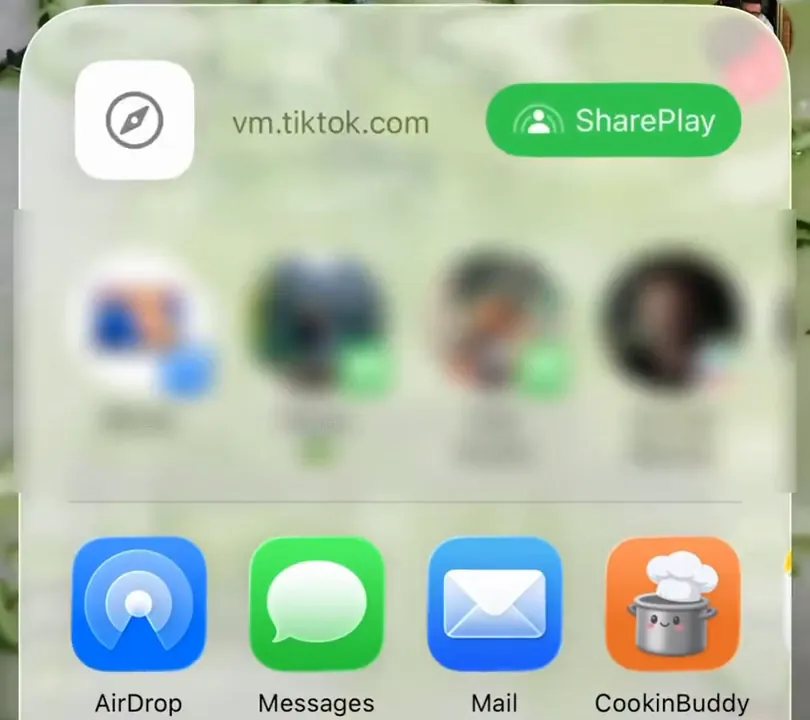
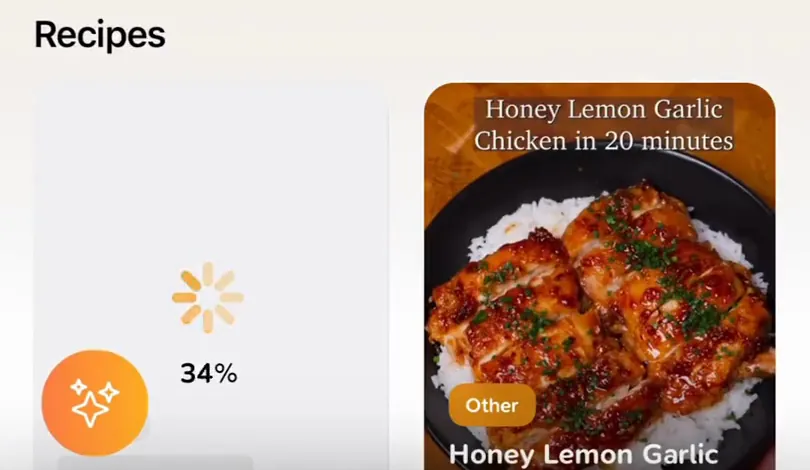
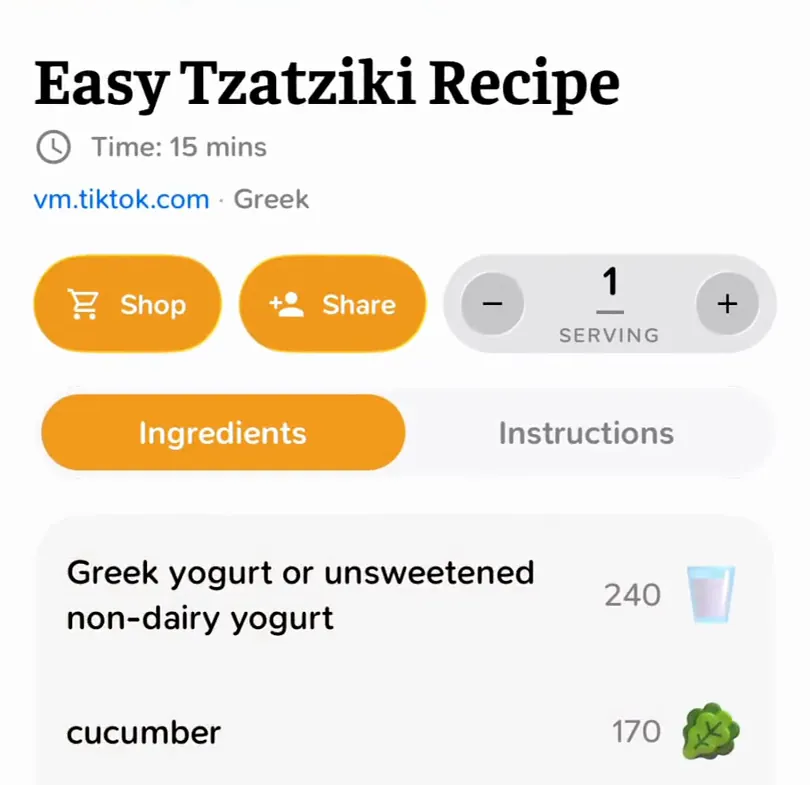
The fastest route: hit Share, then send the video to a recipe app that reads the caption for you. With CookinBuddy you paste the TikTok link and it comes back as a structured recipe — ingredients as a list, steps as steps, servings you can scale — instead of a clip you have to re-watch.
Then store it somewhere you'll look
Getting the text out is half the job. The other half is putting it where you'll find it, which means somewhere that is:
- searchable by ingredient, not just by title — because half the time the question is "what do I do with this aubergine"
- editable, because you will want to note that 200°C was too hot
- connected to your shopping, so cooking it next week doesn't mean transcribing the ingredients a second time
A notes app clears the first two bars. It's a perfectly respectable answer if you don't mind the copy-paste-and-tidy routine each time. It doesn't clear the third — merging ingredients across five recipes by hand is exactly the chore that makes people give up on meal planning.
The 6pm test
Here's the only benchmark that matters. It's 6pm, you're hungry, you've got about four minutes of patience.
Can you get from "I want to cook that thing" to "here are the ingredients" without watching a video?
If yes, your system works. If no, it doesn't — no matter how neatly your Favourites are organised.
A few honest caveats
- Quantities are often approximate. Short-form video cooking runs on vibes. Expect to adjust seasoning and bake times, and write your corrections down the first time you cook it.
- Credit the creator. Saving a recipe for yourself is fine; re-uploading someone's video or claiming their recipe isn't. If a dish becomes a regular, following the person who taught it to you is the least you can do.
- Some videos genuinely don't contain a recipe. If there's no caption, no on-screen text, and no narration of quantities, you're not saving a recipe — you're saving inspiration. That's fine, just file it as such.
What we'd suggest
Capture with whatever's fastest in the moment — bookmark, screenshot, share sheet. But then get it into text and into a proper recipe box the same evening, while you still remember why you saved it.
CookinBuddy does that in one step: paste the link, and the recipe is filed with its ingredients already separated. Pick a few for the week and the grocery list assembles itself. It's free on iPhone.
And if your saves are spread across apps, the Instagram guide covers that side.
Other questions
- How do I save a TikTok recipe for free?
- Check the caption and pinned comment first, since many creators paste the full recipe there, then copy it into your notes app. For recipes that only exist in the video, turn on captions and write the quantities down, or screenshot the on-screen text.
- Does saving a TikTok to Favorites save the recipe?
- It saves a bookmark to the video, not the recipe. You still have to rewatch it to see the ingredients, and you can't search Favorites by ingredient.
- How do I save TikTok recipes on iPhone?
- Tap Share on the video and send it to a recipe app through the iOS share sheet, or copy the link and paste it into the app. CookinBuddy turns the link into a recipe with an ingredient list and steps.
- Can I turn a TikTok video into a written recipe?
- Yes. A recipe app that reads the caption and listens to what is said in the video, like CookinBuddy, gives you the ingredients and steps as text. If the creator never says the quantities anywhere, no tool can recover them, so expect to estimate.
- Does CookinBuddy work on Android?
- No, CookinBuddy is iPhone only for now.