Recipes, 5 min read
How to save recipes from Facebook (and Facebook Reels) before they vanish into your feed
How to save recipes from Facebook and Facebook Reels: use Save for a quick bookmark, or share the link to a recipe app to get the ingredients and steps.
To save a recipe from Facebook, tap the three-dot menu on the post or reel and choose Save, and it'll wait for you under Saved in the Facebook menu. That keeps the post, not the recipe. To get the ingredients and steps out as text you can cook and shop from, tap Share → Copy link and paste it into a recipe app like CookinBuddy, or share it there directly from the iPhone share sheet.
That's the short answer. The rest of this is about which method fits which kind of Facebook recipe, because a reel with a voiceover and a 2,000-word post from your aunt's baking group are very different problems.
How to save a Facebook recipe, step by step
Option A: bookmark it inside Facebook (free, 2 seconds)
- Find the recipe post or reel.
- Tap the three-dot menu (•••) on the post. On a reel, it's tucked in the side buttons.
- Choose Save. You can add it to a collection here if you want one called "Dinners".
- To find it later, open the Facebook menu and tap Saved.
Option B: turn it into an actual recipe (CookinBuddy, about 10 seconds)
- On the post or reel, tap Share.

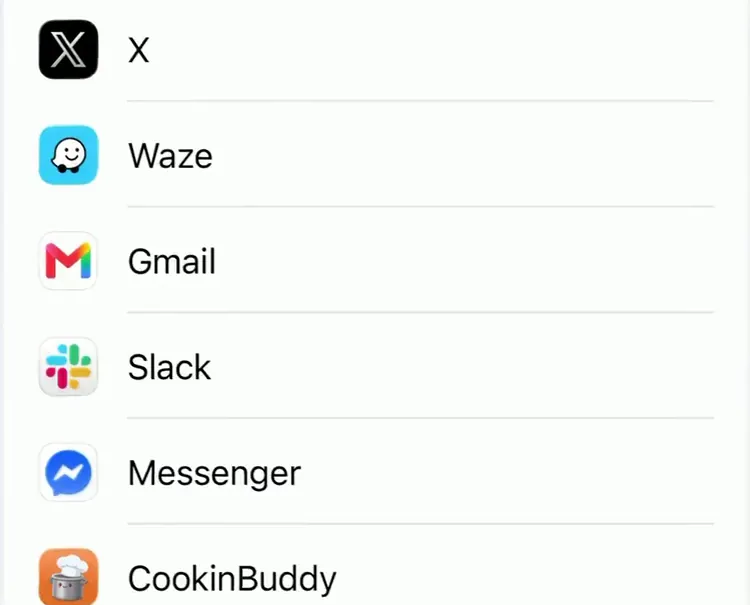
- Either pick CookinBuddy from the iPhone share sheet, or tap Copy link and paste it into the app.
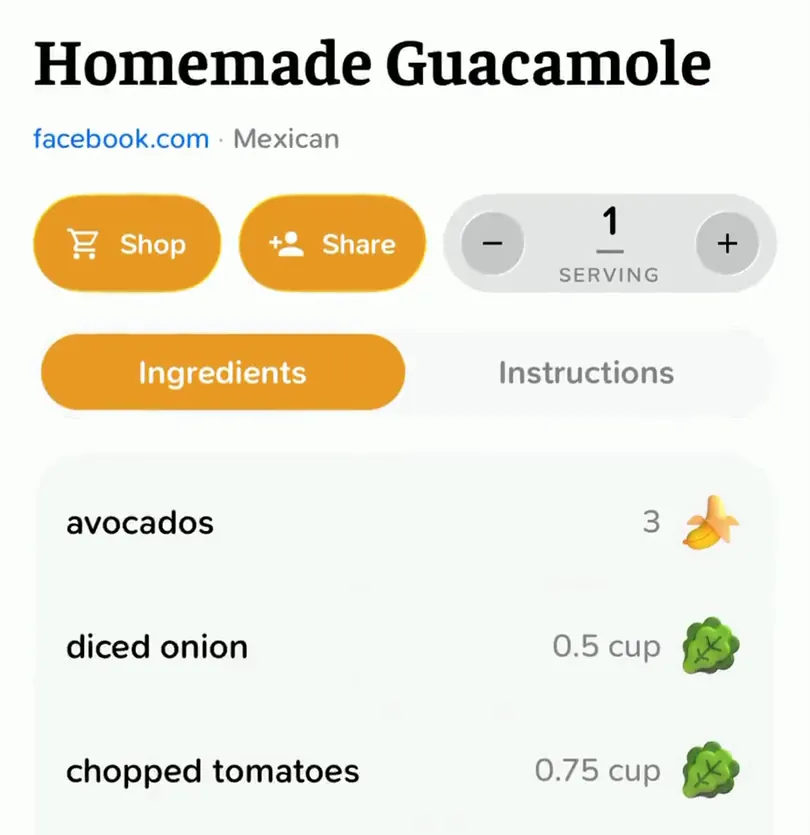
- CookinBuddy reads the caption and the video (what's said and what's shown on screen) and builds a recipe: an ingredient list, numbered steps, and servings you can scale.
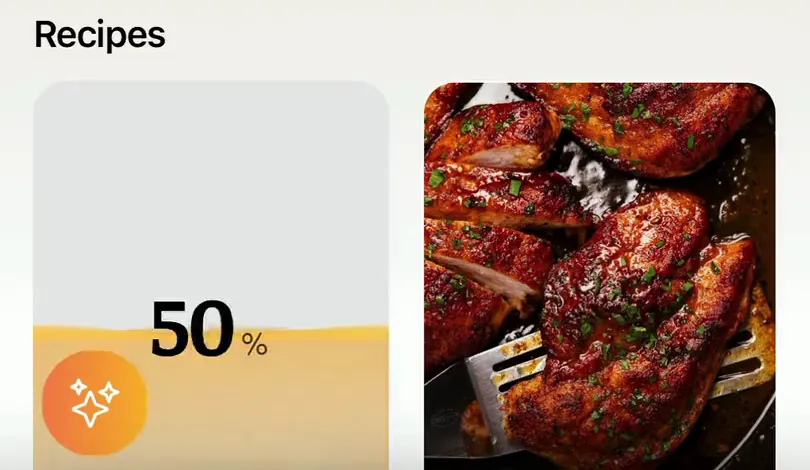
- It's filed with the rest of your recipes, ready to add to a grocery list.
The free methods, honestly rated
Facebook Save and collections
Saving is fine as a bookmark. Collections make it tidier: "Weeknight", "Baking", "Things I will never actually make". But every save is still a link back to a post. To see the ingredients you open the post, scroll past the comments arguing about whether it's "real" carbonara, and squint.
Two other catches. Your Saved list is sorted by when you saved things, not by what they are, and there's no way to search it by ingredient. And if the person who posted it deletes it, or changes who can see it, your save quietly stops working.
Copy the text into Notes
For text recipes, the ones in groups and on pages where someone typed the whole thing out, this works well. Long-press the post text, copy, paste into Apple Notes. Now it's yours, it's searchable, and nobody can delete it from under you.
The cost is tidying. Facebook recipe posts come with a backstory, three emoji, "Ingredients:" buried halfway down, and a request to share with five friends. Cleaning that up takes a minute or two per recipe, and you'll still be retyping the ingredients into a shopping list later.
Screenshot it
Quickest of all, and the only option when you can't copy the text. The problem is that screenshots go to your camera roll, which already has 9,000 photos in it. If you go this route, move them somewhere that can read text out of an image, or you're just hoarding JPEGs.
What none of these handle
Facebook Reels. A lot of recipe reels have no written recipe at all. The quantities are in the voiceover ("a good glug of olive oil, about two tablespoons") or flashed on screen for half a second. Save, copy and screenshot all assume the recipe is written down somewhere. Often it isn't.
What goes wrong with Facebook recipes
- The recipe is in the comments. Plenty of pages post a photo with "Recipe in the first comment 👇". Check there before you give up. Copy that comment, not the post.
- The link goes to a website. Fine, that's easier. Open it and share the website link into your recipe app instead. CookinBuddy imports from any recipe site, so you skip the life story and the ads.
- It's in a private group. Facebook's Save works anywhere you can see the post. Importing a link into an app only works if the link is publicly viewable, so posts from private groups or friends-only posts may not come through. Copy the text or screenshot it, then import the screenshot instead.
- Quantities are vibes. "Some flour." "Bake till done." No app can invent a number the creator never said. Make a note the first time you cook it so the second time is easier.
- It's a share of a share. Recipe posts get reshared until nobody knows where they came from. If you can, open the original and save that one.
Saving Facebook recipes with CookinBuddy
The reason to use a recipe app at all is that it turns a post into data. Once the ingredients are a list instead of a paragraph, you can actually do things with them:
- Scale the servings when you're feeding six instead of four.
- Build one grocery list from every recipe you're cooking this week, merged and sorted by aisle, and share it with whoever's doing the shop in real time.
- Cook hands-free in step-by-step mode with built-in timers, so you're not tapping a reel with buttery fingers.
It works the same way for everything else you save from: TikTok, Instagram, YouTube, websites, and photos of handwritten recipe cards. If your saves are spread across apps, the Instagram guide and TikTok guide cover the quirks of each.
Pricing, since you'll ask: the app is a free download and new users get enough coins for a couple of imports. After that it's either Max at $5.99/month or $39.99/year with a 14-day free trial, or coins if you'd rather pay as you go (10 for $1, 50 for $3, 100 for $4).
Which method should you use?
- You just want to remember the post exists: Facebook Save.
- It's a typed-out recipe and you don't want another app: copy it into Notes.
- It's a reel, or you actually plan to cook it this week: share it to a recipe app.
The test is the same as everywhere else. It's 6pm, you're hungry, and you want the ingredient list. If getting it means scrolling through Saved, opening a post, and rewatching a reel with the sound on, your system isn't saving recipes. It's saving homework.
CookinBuddy is built to pass that test: share the post, and the recipe is filed with the ingredients already pulled out. It's free on iPhone.
Other questions
- How do I save a recipe from Facebook?
- Tap the three-dot menu on the post and choose Save to bookmark it, then find it later under Saved in the Facebook menu. To keep the actual recipe, tap Share, copy the link, and paste it into a recipe app like CookinBuddy, which turns it into an ingredient list and steps.
- How do I save recipes from Facebook Reels?
- Open the reel, tap Share, and either send it straight to a recipe app from the iPhone share sheet or copy the link and paste it in. CookinBuddy reads the caption and the video itself, so recipes that are only spoken or shown on screen still come out as text.
- Is there an app to save recipes from Facebook?
- Yes. CookinBuddy is an iPhone app that imports recipes from Facebook posts and reels, as well as TikTok, Instagram, YouTube, websites and screenshots. It's a free download, and new users get enough coins for a couple of imports.
- Where do saved recipes go on Facebook?
- Everything you save lands in the Saved section, which you can reach from the Facebook menu. You can sort saves into collections, but they stay as links to posts, so you still have to open each one to see the ingredients.
- Can I save recipes from Facebook groups or private posts?
- You can always use Facebook's own Save button. Importing into a recipe app only works if the link is publicly viewable, so posts in private groups or with restricted audiences may not import; copying the text or taking a screenshot works instead.
- Does CookinBuddy work on Android?
- No, CookinBuddy is iPhone-only for now.